Introduction to PHP

I am a Software engineer with the mindset of providing cloud-based solutions with event-driven and test-driven architecture to real-world problems. I build and maintain backend systems with the python framework Django and provide seamless relationships between development and operations processes.
Good day guys, in this article I would you be taking you on what PHP is, the uses of PHP, and how to install PHP and write your first PHP code. Without further ado let's get started.
PHP is a server-side programming language. We should all be familiar with what server-side languages are, if not a server-side language is a language that handles anything that happens in the backend of a website, mobile app, etc. Now that we have gotten that out of the way, let's move to the main agenda of the day.
Uses of PHP
- It can be used for form validation and also handle different data input from users
- It can also be used for performing operations on databases like creating, updating, and deleting tables
- It's also used for encrypting data and many more
Installing PHP
We are going to be installing an application or software that we would use to run our PHP files, the software XAMPP. XAMPP allows us to run different programming languages such as PHP and Perl, it also allows us to run WordPress locally, it allows us to create and use databases with MySQL. I would leave links to install XAMPP for Mac, Linux, and Windows below.
For macOS Download here, for Linux Download here, for Windows Download here
Writing our first PHP program
Now moving on we're going to be writing our first PHP program, to do this navigate to your local disk directory in there you should see the xampp folder, enter the xampp folder and go to the htdocs folder, within this htdocs folder is where you would be writing most of your code that would be displayed in the browser. Let me recap quickly here on how to get to your htdocs folder, from local disck >> xampp >> htdocs.
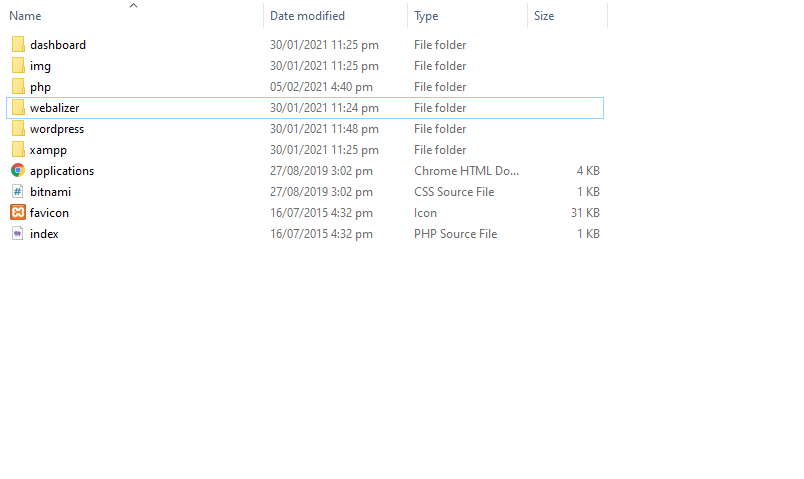 this is what should be in your htdocs folder except from the wordpress folder.
In your htdocs folder create a folder to hold your php files, like phpfolder now within this folder create a .php file, you can name it hello.php for now. Let's now write our first php program guys.
<?php
    echo "Hello world";
?>
This is a simple program that outputs hello world to the browser. If you want to write any php code it must always be enclosed within a php opening and closing tag like this
<?php
  // Your code goes here
?>
Now to view your code on your browser all you have to do is first start your Apache server from your xampp control center and click on start on your Apache server like this
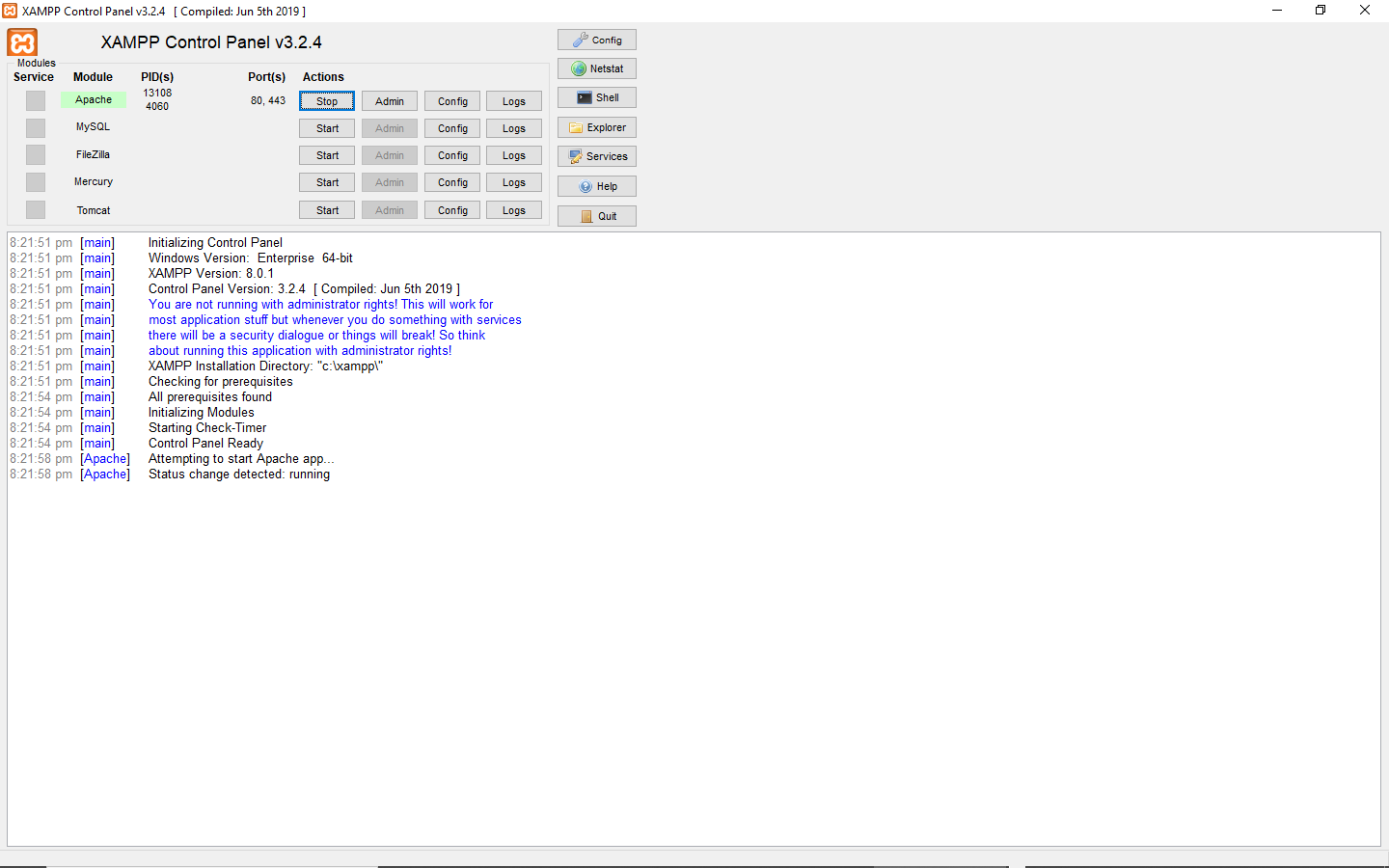
Now that your Apache server is running open your browser and type localhost/ the-folder-you created-for-your-php-files/ your-php-file. In my case, it would be localhost/phpfolder/hello.php when I open this in the browser I should see my hello world message printed out.
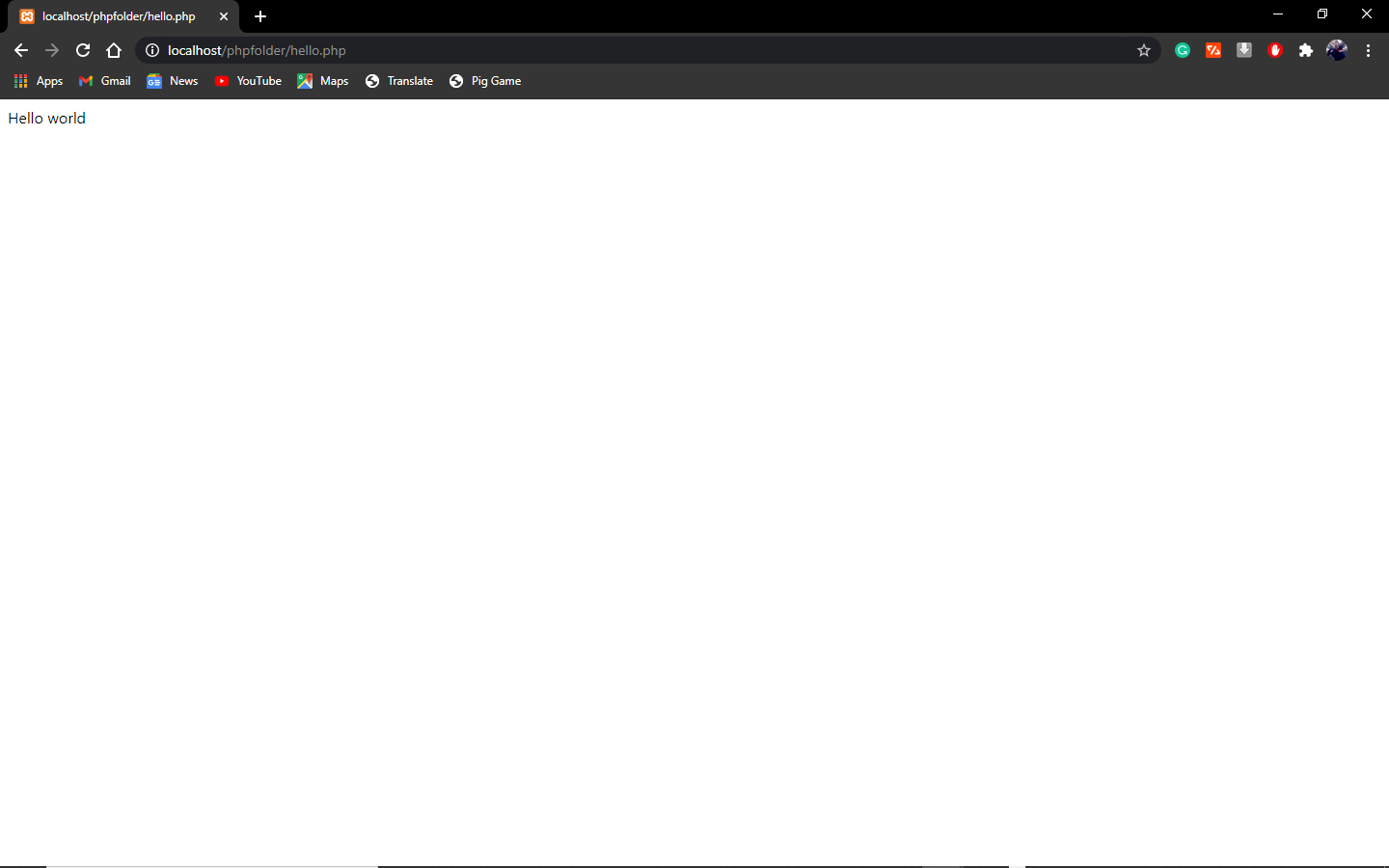
Here we have it guys, our first php program. It may be a small program but it's the first step into becoming a full PHP developer. I hope you enjoyed this article if you did please leave a thumbs up below and if you have any questions please do not hesitate to ask me in the comment box below. Thank you :)


